

Adding short video(s) to our Canvas courses just got easier with the insert/edit media tool in the Rich Text Editor.
The old way
Previously, to insert embed code, we’d have to go into the HTML Editor:
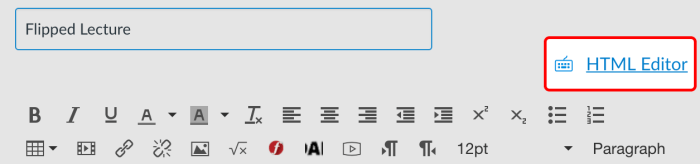

That’s kind of scary if you’re not used to viewing and editing HTML.
The new way
Now, there is no need to edit the HTML at all. Just put your cursor where you want to embed a video, and click the insert/embed media tool:


When the dialog box opens, go to the Embed tab, paste your embed code and click OK.


Your video will be inserted exactly where you wanted, no HTML editing required.